
The Importance of User Experience in Website Design
Introduction
A website is often the first place where potential customers learn about a business. While an attractive design can create a positive first impression, a successful website must also be easy to navigate, useful, responsive, and convenient to use. This is where user experience (UX) plays an important role in website design.
User experience refers to how people feel when they interact with a website, including how easily they find information, complete tasks, and access services. A well-designed user experience helps visitors explore a website without confusion and encourages them to engage with the business.
For businesses looking to strengthen their online presence, investing in user experience is an effective way to improve customer satisfaction, build trust, and support long-term growth.
What Is User Experience in Website Design?
User experience in website design focuses on creating a website that meets visitors’ needs and expectations. It considers the complete journey a person takes when visiting a website, from the moment the homepage loads to the point where they contact the business, purchase a product, or request a service.
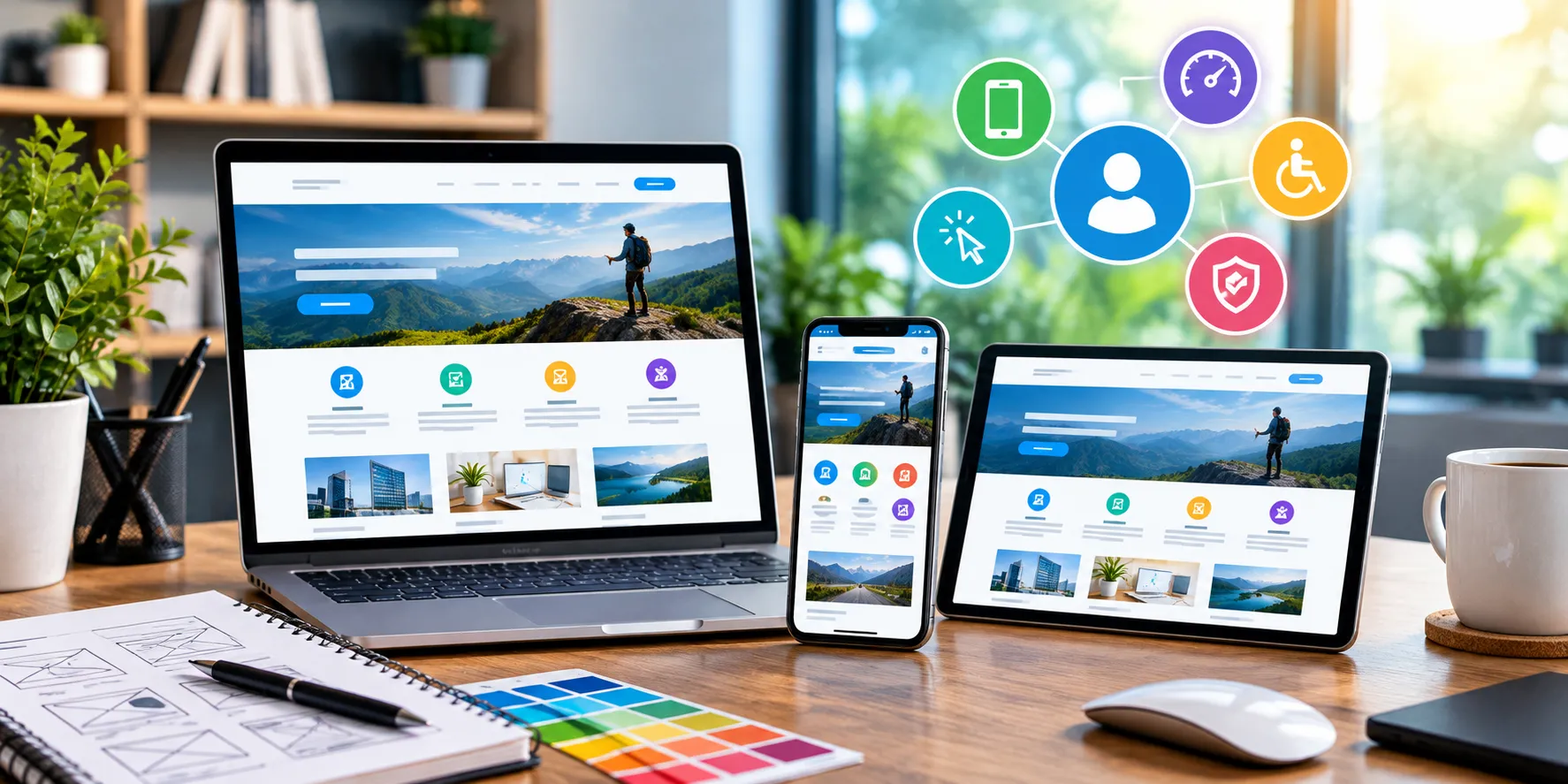
Good UX design combines several important elements, including clear navigation, readable content, responsive layouts, fast loading speeds, accessibility, and intuitive functionality.
The goal is simple: make it easy for visitors to understand what a business offers and take the next step without unnecessary effort.
Why Is User Experience Important for Businesses?
1. Creates a Positive First Impression
Visitors often form an initial opinion of a business based on their website experience. A clean layout, consistent design, clear messaging, and organized content help establish a professional image.
When visitors can quickly understand what a business does, they are more likely to explore its products and services. A confusing or cluttered website, on the other hand, can make it difficult for users to find the information they need.
2. Makes Website Navigation Easier
Navigation helps visitors move between different sections of a website. If menus are confusing or important pages are difficult to locate, users may leave before discovering what the business offers.
A user-friendly website should have a logical menu structure, descriptive page labels, and clear links to important sections such as services, products, contact information, and frequently asked questions.
Simple navigation saves time and creates a smoother browsing experience.
3. Improves Mobile Browsing
Many people access websites through smartphones and tablets. Businesses must therefore ensure that their websites work effectively across different screen sizes.
Responsive website design automatically adapts layouts, images, text, and navigation elements to the user’s device.
Mobile-friendly websites should also feature readable text, appropriately sized buttons, simple forms, and content that does not require unnecessary horizontal scrolling.
Providing a consistent experience across devices helps businesses reach visitors wherever they browse.
4. Builds Customer Trust and Credibility
Visitors are more likely to feel comfortable using a website when it appears professional, functions reliably, and communicates information clearly.
Consistent branding, accurate business information, secure browsing through HTTPS, transparent policies, and accessible contact details can all contribute to customer confidence.
A positive user experience also demonstrates that a business values its visitors and takes their needs seriously.
5. Encourages Conversions
A conversion occurs when a visitor completes a desired action, such as submitting an enquiry, booking an appointment, signing up for a newsletter, or purchasing a product.
Effective UX design makes these actions easier by reducing unnecessary steps and providing clear calls to action.
For example, a service business can use a visible contact button, a straightforward enquiry form, and a clear explanation of its services to help potential customers get in touch.
Improving usability can reduce barriers to conversion, although results depend on factors such as the audience, offer, pricing, and overall website quality.
Key Elements of Effective User Experience Design
Clear and Consistent Layout
A well-organized layout helps visitors understand the structure of a page. Important information should be easy to identify, while headings, images, and supporting content should follow a logical order.
Consistent spacing, typography, colours, and design elements create a unified appearance throughout the website.
Fast Loading Speed
Website speed is an important part of the user experience. Slow pages can interrupt browsing and make it harder for visitors to access information.
Businesses can improve loading performance by compressing images, reducing unnecessary scripts, choosing reliable hosting, enabling browser caching where appropriate, and monitoring page performance regularly.
Testing pages on both mobile devices and desktop computers can help identify problems that affect visitors.
Readable and Helpful Content
Website content should answer visitors’ questions clearly and directly. Long blocks of text, unclear headings, and unnecessary technical language can make information difficult to understand.
Use descriptive headings, short paragraphs, bullet points where appropriate, and relevant images to improve readability.
Content should also explain the benefits of products or services and provide the information visitors need to make informed decisions.
Accessible Design
An accessible website is easier for people with different abilities to use. Accessibility should be considered throughout the design and development process.
Useful practices include providing alternative text for meaningful images, maintaining sufficient colour contrast, supporting keyboard navigation, labelling form fields clearly, and using descriptive links.
These improvements can make a website more inclusive and help more people access its content and services.
Clear Calls to Action
Calls to action guide visitors towards useful next steps. Examples include “Contact Us,” “Explore Our Services,” “Request a Quote,” and “Get Started.”
Place calls to action where they make sense within the visitor’s journey. Use clear wording and ensure that each button leads to the expected destination.
Avoid overwhelming visitors with too many competing actions on a single page.
Practical Ways to Improve Your Website’s User Experience
Businesses do not always need to rebuild an entire website to improve UX. Small, well-planned changes can make a meaningful difference.
1. Understand Your Audience
Identify your target audience and consider what they want to accomplish when visiting your website. A customer looking for business contact information has different needs from someone comparing products or researching a service.
Use customer feedback, support enquiries, and website analytics to understand common questions and browsing behaviour.
2. Simplify the Website Structure
Organize pages into clear categories and make important information easy to find. Avoid creating unnecessary menu items or placing essential information several clicks away.
Review the website from a first-time visitor’s perspective to identify confusing sections.
3. Test the Website on Different Devices
Check how the website behaves on smartphones, tablets, laptops, and desktop computers. Pay attention to menu functionality, image scaling, text readability, button placement, and form completion.
Testing helps reveal problems that may not be obvious when viewing the website on a single device.
4. Reduce Unnecessary Steps
Review important user journeys, such as contacting the business, booking a service, or completing a purchase.
Remove unnecessary form fields, clarify instructions, and make errors easy to understand and correct. A simpler process can help visitors complete their intended actions more comfortably.
5. Collect Feedback and Make Improvements
Ask customers and website visitors about their experience. Their feedback may reveal confusing navigation, missing information, or features that are difficult to use.
Combine feedback with analytics and usability testing to identify priorities. Make improvements gradually and measure whether they solve the problems you identified.
How User Experience Supports SEO
User experience and search engine optimization (SEO) work towards related goals: helping people find useful information and access it efficiently.
A well-structured website with descriptive headings, logical internal links, helpful content, mobile-friendly layouts, and strong technical performance can support both usability and search engine discoverability.
However, good UX does not guarantee higher search rankings. Search engines consider many factors, including content relevance, technical accessibility, site performance, and the quality of information provided.
Businesses should focus on creating genuinely useful experiences rather than designing pages solely to influence rankings.
Common User Experience Mistakes to Avoid
Even a visually attractive website can frustrate visitors when usability is overlooked. Businesses should avoid these common mistakes:
Cluttered layouts: Too many elements compete for attention and make important information harder to find.
Complicated navigation: Unclear menu labels and poorly organized pages confuse visitors.
Poor mobile design: Small buttons, unreadable text, and broken layouts create difficulties on smaller screens.
Slow-loading pages: Oversized images and unnecessary scripts can delay access to content.
Unclear calls to action: Visitors may not know how to contact the business or proceed to the next step.
Ignoring accessibility: Design choices that prevent people from using the website can exclude potential customers.
Neglecting regular updates: Outdated information, broken links, and malfunctioning forms reduce confidence in the website.
Avoiding these mistakes helps create a website that is more useful, reliable, and welcoming.
Measuring the Success of UX Improvements
User experience should be evaluated regularly to understand whether changes are helping visitors.
Businesses can monitor several useful indicators:
Task completion: Can visitors successfully complete important actions, such as submitting a form?
Conversion rate: What proportion of visitors complete a desired action?
Engagement: Are visitors exploring relevant pages and interacting with useful content?
Form abandonment: Are users leaving forms before completing them?
Page performance: How quickly do important pages load and respond?
Customer feedback: Do visitors report that the website is easy to understand and use?
No single metric tells the whole story. Combine website analytics, direct feedback, and usability testing to develop a more complete understanding of the visitor experience.
Conclusion
User experience is an essential part of successful website design. An attractive appearance matters, but a website must also be accessible, responsive, easy to navigate, and designed around the needs of its visitors.
By improving website structure, loading performance, content readability, mobile usability, and calls to action, businesses can create a more satisfying online experience. Regular testing and customer feedback help ensure that the website continues to meet changing expectations.
For businesses that want to strengthen their digital presence, user experience should be a central part of every website design decision. A website that puts visitors first can build trust, support meaningful engagement, and create better opportunities for business growth.
Call to Action
Ready to improve your website’s user experience?
Digital Murugan helps businesses build a stronger digital presence through professional website design and digital solutions. Focus on what your customers need, make every interaction easier, and turn your website into a more effective business tool.
Contact Digital Murugan today to explore website solutions that put your customers first.
 Previous Post
 Next Post